

GGDrop – Open CS2 Cases, Upgrade Skins & Join Battles
GGDrop CS2 is built for CS2 skin users who want one place to open cases, manage items, join platform activities, and withdraw their winnings. After signing in, numerous ventures are waiting for you, starting from exploring different skin-based features, checking your inventory, and ending with deciding how you want to use your balance or items.
See how GGDrop works, what activities are available, and what to expect after receiving your items.
About GGDrop
GGDrop focuses on CS2 skins, Steam inventory, and clear skin actions inside one account. At our service, you can move between cases, balance, rewards, Battles, Contracts, and cashout options without starting a new flow each time.
Our service is made for users who already understand how CS2 skins work and want the main actions in one place. After account setup, your inventory, current rewards, available skin actions, and game modes stay connected, so each result is easier to track.
Here’s what you can do on GGDrop:
- Open CS2 cases
- Check available skins and skin actions
- Use your balance or supported skins
- Join Battles and complete Contracts
- Follow rewards, events, and promo code activity
- Move available skins to your Steam inventory after checking the current conditions
| Area | Possible activities |
| Account | See what you can play right after logging in with Steam. |
| Game modes | Open cases, use Upgrade, join Battles, or complete Contracts. |
| Rewards | Check current activities, promo codes, and events. |
| Withdrawals | Check which skins are available to cash out and confirm the final item details before sending them to your Steam inventory. |
Once your account is ready, take a look around first. Check the main sections, see which features are active, review your balance, and choose what makes sense for your next step.
Platform Features
The GGDrop CS2 experience starts with Steam sign-in, but it does not stop there. Your inventory, rewards, and activity all sit in the same account.
The platform brings together several core features:
| Feature | How it works in practice |
| Steam integration | You sign in through Steam to connect your profile and support skin-related actions. |
| Inventory management | View what you can cash out and decide whether to use, keep, or withdraw them. |
| Rewards system | Daily activities, events, and promo code areas can appear inside your account. |
| Community features | Events, races, leaderboards, and social channels help you achieve your gameplay goals. |
| Trading experience | Review the item, confirm the Steam trade details, and make sure your account is ready before completing a transfer. |
This setup helps you stay in control. For example, after opening a case, you can check the case results in your account and decide whether to withdraw it, use it in Upgrade, or include it in another available feature.
What you can also see after logging in is your activity data, including open cases, users, contracts, and upgrades.
How GGDrop Works
Your journey starts with sign-in. Once your Steam profile is connected, you can instantly link your account to skin-related features and see which actions are available.
After setup, you can add balance or use eligible CS2 skins if the platform shows that option in your account. From there, you choose how you want to interact with skins. You can start with case opening, move to Upgrade, join Battles, or use Contracts depending on your case results and preferences.
Each result is added to your account balance or inventory area, depending on the item type. From there, GGDrop shows which actions are available for that specific item.
GGDrop CS2 Game Modes
At our service, CS2 skins can be used in different formats: cases, Upgrade, Battles, and Contracts. Each mode has its own rules, while your balance, skins, and results stay connected inside one personal page.
Case Opening
Case opening is the most popular format for our users. You choose a case, open it, and receive one of the items connected to that case. The result appears in your account, where it is possible to review the skin and decide what to do next.
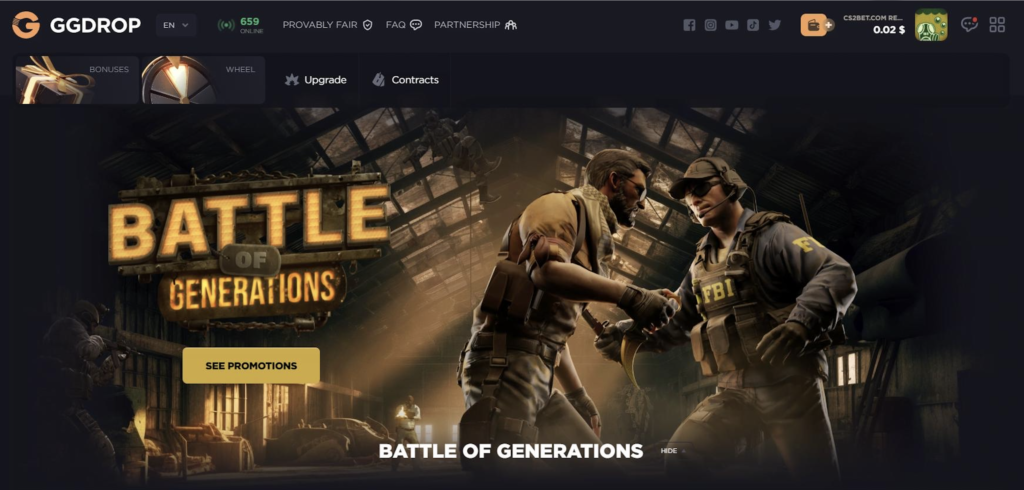
This mode works well when you want a quick action with a clear result. It also helps you understand how the website handles items before you move into other features.
Upgrade
Upgrade gives you another way to use a skin after it appears in your account. You choose the skin you want to start with, select the target result, check the shown chance and conditions, and then decide whether to confirm the attempt.
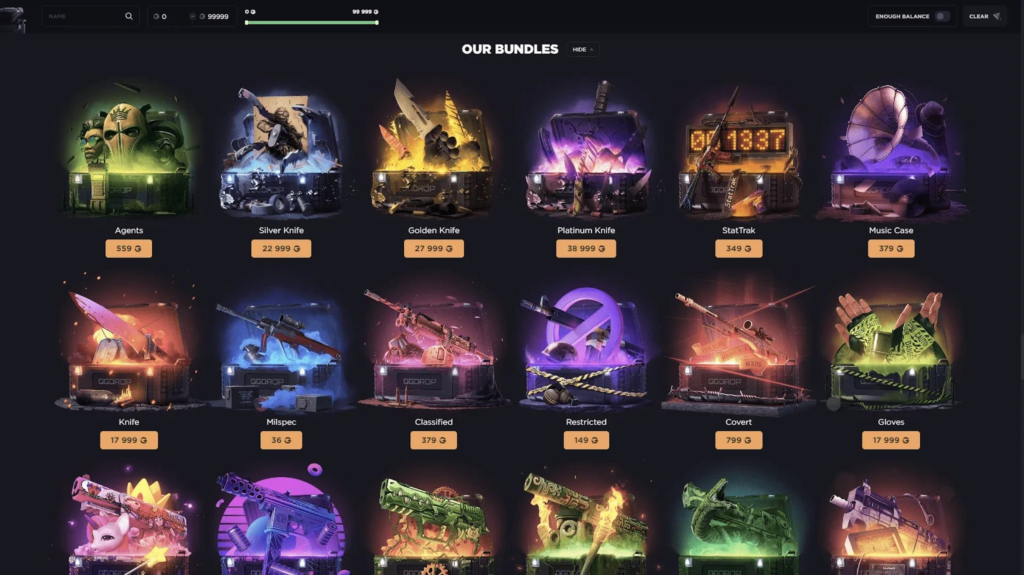
This mode is more controlled than a regular case opening because you set the direction yourself. The result is still not guaranteed, so it makes sense to check the value, chance, and target skin before you continue.
For example, after opening a case, you may get a skin that you do not want to keep. In that case, you can use Upgrade to aim for another skin, cash it out if the option is shown, or leave it in your inventory for later.
Battles
Battles turn case opening into a shared format. You join a battle, open cases during that round, and the site calculates the result based on the rewards you receive.
This mode adds more movement to the experience because the round does not happen in isolation. Several accounts can take part in the same flow, and the final result depends on how the battle plays out.
Contracts
Contracts let you exchange skins you’ve earned for a new item. This can be useful when you have several items and want to combine them into a single result instead of keeping each skin separate.
For example, you may have several lower-value skins in your account and decide to use them in a contract. The exact items, value, and result depend on what the website shows at that moment.
Daily Activities & Events
Daily activities and events keep your account active beyond single case openings. Right on the main page, users can find account rewards, races, seasonal activities, leaderboards, and limited-time events when they are available.
Before you join, check the current rules, reward details, and timing. Event formats can change, and old screenshots or promo posts may not show the active conditions.
Rewards & Community Activities
Rewards on GGDrop are based on your activity. They are not separate from the platform. They appear inside the same ecosystem as cases, upgrades, contracts, events, and account actions.
Daily rewards can give you something to check when you return. If a daily reward is available, your account area should show what can be collected and what conditions apply.
Seasonal events create a different rhythm. They usually run for a limited time and may include specific event pages, races, or tasks. Before taking part, check the current rules shown on the platform.
Leaderboards make online activity easier to follow. They can show how accounts are performing during races or campaigns and help make limited-time events more interactive.
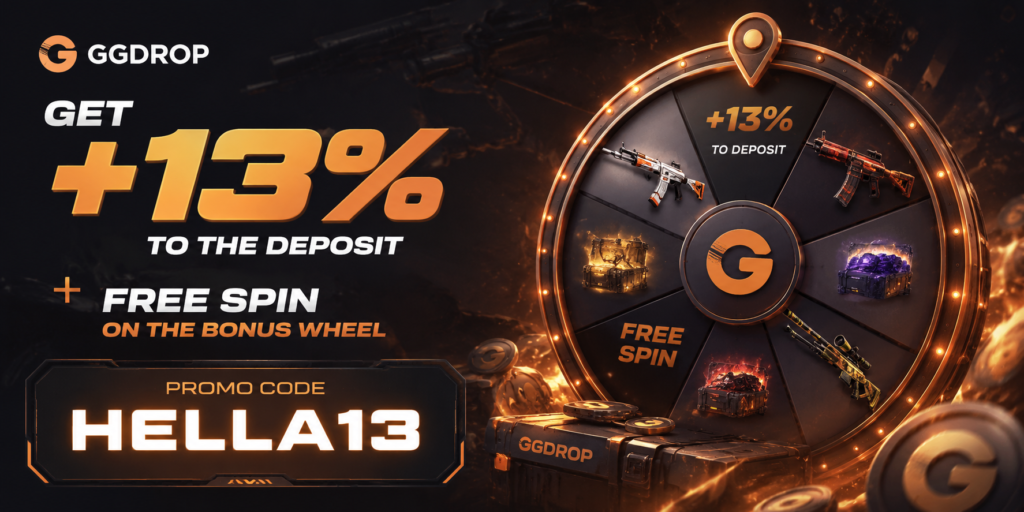
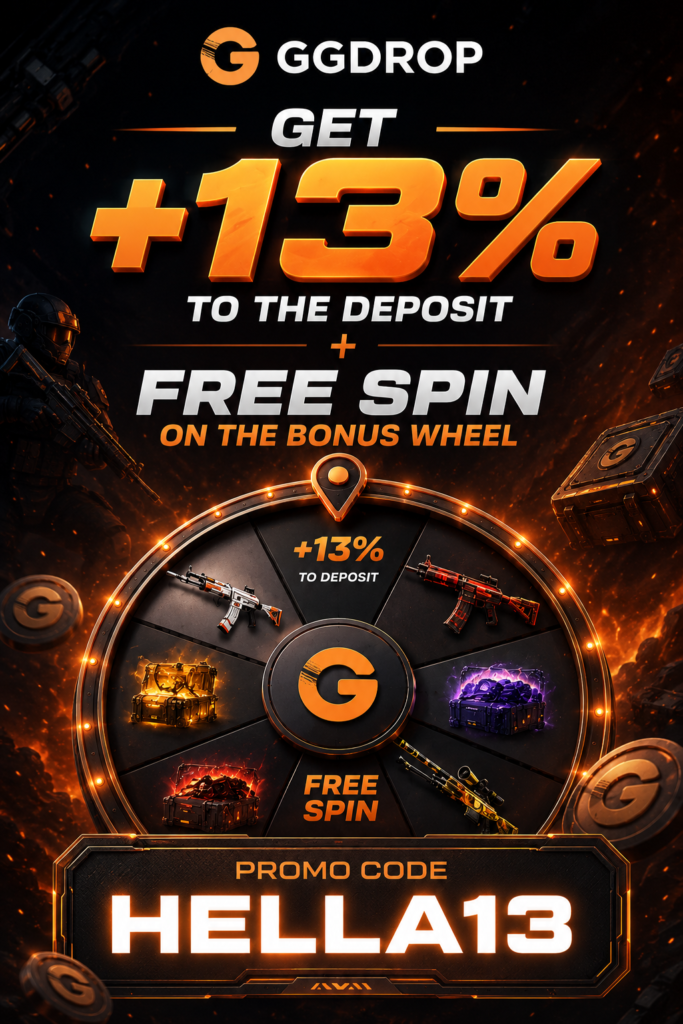
Promo codes may appear in deposits, campaigns, events, or partner offers. Enter them only in the official promo code field and check what the system shows before you confirm.
Before using a code, you will need to verify these factors:
- whether it is still active;
- what reward it gives;
- which conditions apply;
- whether it works with your selected deposit method.
If the code shows a deposit reward, review the percentage, terms, and payment option before adding funds.
Deposits
The GGDrop CS2 cashier shows the deposit options available to your account. These options may vary by region, account status, and updates, so you should always check the live cashier before making a deposit.
Our website supports various funding methods, including card payments, digital payment options, crypto options, and CS2 skin-related deposit flows where available. Since availability can change, the cashier should be treated as the current source.
If skin deposits are available in your account, check the item, value, and Steam trade details before confirming anything. A wrong action can delay the process or create a support case.
Before making a deposit on our site, check:
- the deposit method shown in your account;
- any visible minimum amount;
- the selected currency or item;
- the promo code field, if you plan to use one;
- Trade readiness for skin-related deposits;
- any visible confirmation message.
If you want to use a deposit promo code, enter it before completing payment and check that the platform displays the reward correctly.
Withdrawals
Withdrawals depend on the item and your account setup. If a skin is available for cashout, check the item name, value, and transfer details before confirming.
Your trade URL and mobile confirmations must be ready in Steam. Holds, account restrictions, or missed confirmations can slow down the transfer.
| Check | Why it matters |
| Item availability | Not every skin may be ready for cashout at the same moment. |
| Trade URL | The transfer needs the correct destination account. |
| Mobile confirmation | You may need to approve the offer before it can move. |
| Item details | The skin name, value, and condition should match what you selected. |
| Account status | Restrictions in Steam can delay or block the transfer. |
Provably Fair & Platform Security
At our platform, security starts with Steam sign-in. Your account connects to the Steam profile used for inventory actions, item withdrawals, and trade confirmations.
What is more, we use Provably Fair tools, so you can verify how game results are generated rather than relying solely on the final outcome.
When our users ask, “Is GGDrop legit?” the answer should come from what can protect your online experience.
- Provably Fair checks. Review the fairness data behind supported game results before you rely on the outcome.
- Trade confirmations. Withdrawals move through Steam, where you confirm eligible skin trades.
- Support access. Head over to the Help Center, live chat, or email a specialist at support@ggdrop.com.
If you’re wondering whether GGDrop is legit, these are the key things to look for rather than relying on broad claims. Before using higher-value items, confirm the Steam sign-in flow, item details, cashier information, withdrawal requirements, and customer assistance options.
Built Around the CS2 Community
GGDrop is built around the way you already use CS2 skins. You check items, follow value, try upgrades, join events, and move skins to your personal balance.
You can keep the main actions in one account:
- Cases. Open cases and see the item result in your inventory.
- Upgrade. Use your skins to aim for another item.
- Battles. Join shared case-opening rounds.
- Contracts. Combine eligible skins into a new result.
- Events and rewards. Follow active races, leaderboards, promo codes, and platform activities.
The GGDrop CS2 setup works best when you treat it as one skin ecosystem, not just one feature. A case result can be kept, upgraded, used in a contract, or withdrawn.
Getting Started on GGDrop
To start using GGDrop, sign in with Steam and finish the basic account setup. This connects your profile to the features that work with CS2 skins.
Before your first action, check the main areas that affect how the flow works:
- Cashier. See which deposit options are available and whether a promo code field is shown.
- Inventory. Check which skins or items can be used in current features.
- Game modes. Choose between cases, Upgrade, Battles, or Contracts.
- Rewards. Review active offers, events, or account bonuses before adding funds.
- Cashout status. Confirm that the selected item is available for transfer to your Steam inventory.
There is no need to use every feature during the first session. Start with one action, check where the result appears, and continue only after the next available options are clear.
Customer Support
GGDrop offers customer service through the Help Center, live chat, and email. The Help Center covers common questions about deposits, promo codes, account access, withdrawals, and platform features.
For faster help, you can open the live chat widget directly on the platform. It is useful for account questions, transaction issues, trade problems, or unclear platform actions.
You can also contact support by email at support@ggdrop.com. Be ready to provide details such as your profile, the issue type, the item name, the transaction time, or any visible error message.
| Option available | Best for |
| Help Center / FAQ | General questions about deposits, promo codes, withdrawals, and account setup. |
| Live Chat | Quick questions, active transaction issues, or help while using the platform. |
| Detailed cases that need screenshots, transaction details, or account-specific checks. |
An agent should never need your password, recovery codes, or private authentication details. Keep those private and use only the official options available on our website